
Business Central: Sales Order Agent
Reads quote and order requests from a chosen mailbox, matches customers and items, and prepares draft quotes and orders for your team to review.
Copilot, agents and Copilot Studio explained. What each one does, where it fits in Business Central and the wider Dynamics 365 apps, and every guide we've written on the subject in one place.
AI in Microsoft Dynamics 365 comes in three forms. Copilot is the assistant built into the apps: it summarises records, drafts emails and replies, and answers questions about your data when someone asks.
Agents go a step further. Each one takes on a defined, multi-step task, such as reading a customer's order request and preparing a draft quote, or matching transactions during a reconciliation. They work through review steps, so your team checks and approves what an agent has done.
Copilot Studio is the low-code tool for building your own copilots and agents. It connects to your data and processes, so you can answer customer or staff questions and automate routine requests that the built-in features don't cover.
Microsoft releases these capabilities in stages, and some start in preview before general availability. Features, regions and licensing can change, so it's worth checking what is available in your own environment before planning a rollout.
Each agent is designed around one role or process. These are the agents we've covered in detail.
Reads quote and order requests from a chosen mailbox, matches customers and items, and prepares draft quotes and orders for your team to review.
Helps process incoming supplier invoices so purchase documents are prepared for review rather than keyed in by hand.
Researches and qualifies leads, so sellers spend their time on the conversations most likely to turn into opportunities.
Works out what customers are asking for and helps route and resolve enquiries more consistently.
Supports reconciliation by matching transactions and highlighting the differences that need a person's attention.
Helps track supplier responses and confirmations, so purchasing teams spend less time chasing updates by email.
Helps project teams record time and expenses accurately, so billing and project reporting start from complete information.
Our articles on Copilot, agents, Copilot Studio and AI adoption, grouped by topic.
What each role-based agent does in Sales, Customer Service, Finance, Supply Chain Management and Project Operations.
 15 September 2026What the Sales Qualification Agent does in Dynamics 365 SalesRead the article 22 September 2026What the Customer Intent Agent does in Dynamics 365 Customer ServiceRead the article 6 October 2026What the Financial Reconciliation Agent does in Dynamics 365 FinanceRead the article 29 September 2026What the Supplier Communications Agent does in Dynamics 365 Supply Chain ManagementRead the article 13 October 2026What the Time and Expense Agent does in Dynamics 365 Project OperationsRead the article
 9 December 2025Smarter purchasing decisions with Dynamics 365 Procurement AgentRead the article
 27 November 2025Improving cash flow with Collections Agent in Dynamics 365Read the article
 7 December 2025Transform support with Dynamics 365 Customer Service AgentRead the article
 2 May 2025Autonomous Agents in Dynamics 365 CRMRead the article
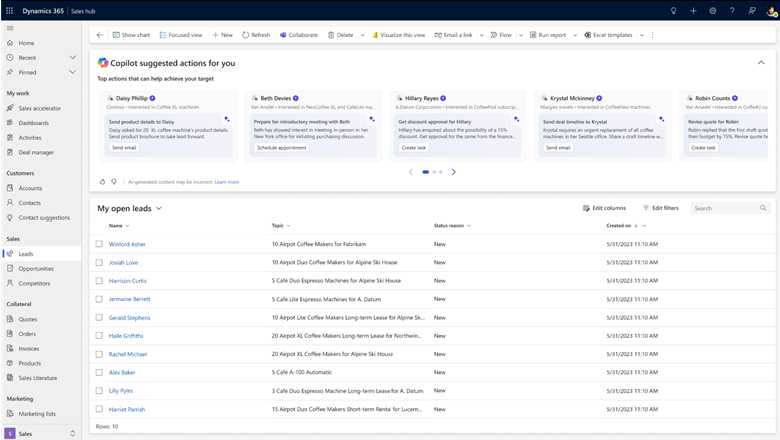 10 December 2024What is Sales Qualification Agent for Dynamics 365?Read the article
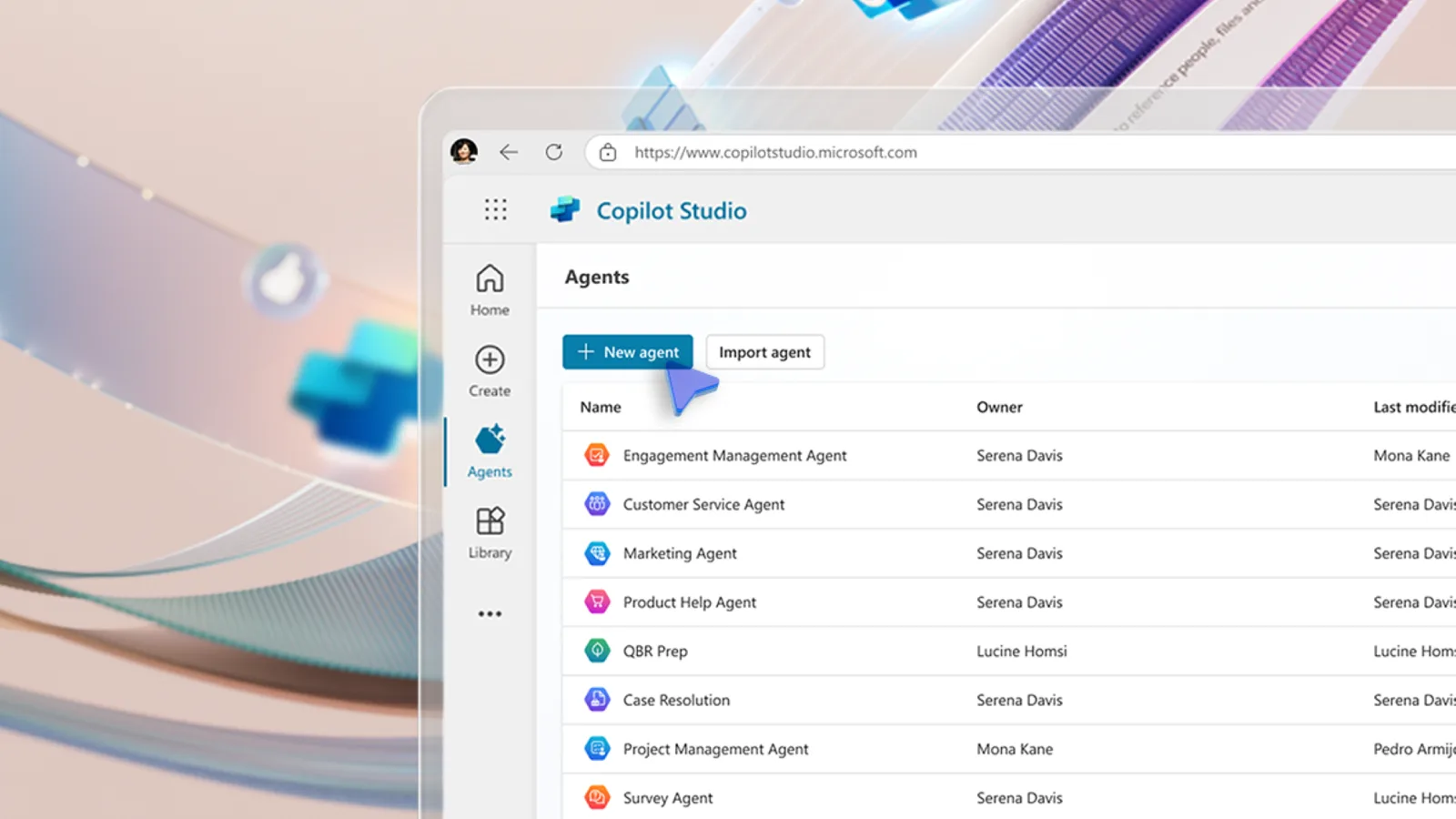 9 December 2024Introducing AI Agents: autonomous support for Dynamics 365Read the article
How the Sales Order Agent and Payables Agent take on routine work in Microsoft Dynamics 365 Business Central.
1 September 2026What the Sales Order Agent does in Business CentralRead the article 8 September 2026What the Payables Agent does in Business CentralRead the article  15 December 2025Sales Order Agent - Transforming Sales Operations in Business CentralRead the article
 3 December 2025The Rise of Copilot Agents in Dynamics 365 Business CentralRead the article
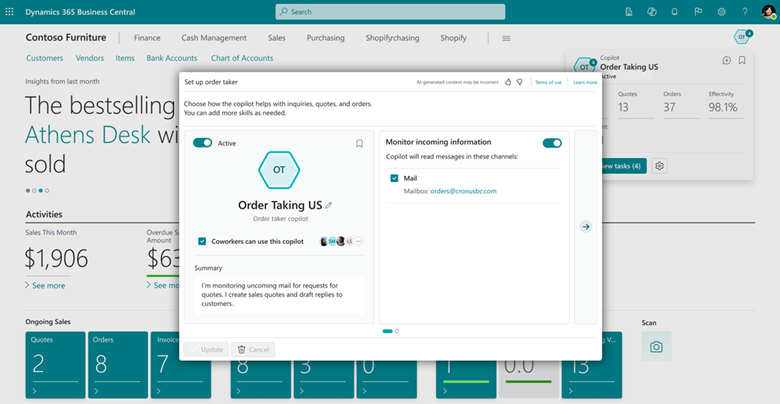 10 December 2024Exploring Sales Order Agents in Dynamics 365 Business CentralRead the article
What Copilot is, the features it adds to each app and how Microsoft's AI updates have changed ERP and CRM.
 4 September 2025New Copilot features coming to Business Central in 2025 and 2026Read the article
 2 September 2025Dynamics 365 Copilot features: A UK business guideRead the article
 21 November 2025Monthly close automation with Business Central + CopilotRead the article
 30 January 2024What is Microsoft Dynamics 365 Copilot?Read the article
 30 January 2024AI and Copilot Updates Introduce a New Era For ERPsRead the article
 30 January 2024New AI Updates Enhance Microsoft Dynamics 365Read the article
 30 January 2024Microsoft Introduces Brand New AI CapabilitiesRead the article
Building your own copilots, chatbots and AI-powered apps on the Microsoft Power Platform.
 10 March 2025An Introduction to Microsoft's Copilot StudioRead the article
 24 April 2025Enhancing Customer Support with Copilot StudioRead the article
 19 April 2025How Copilot Studio Enhances Internal Comms and Keeps Teams UnitedRead the article
 28 March 2025An Introduction to AI-Powered Low Code ToolsRead the article
 22 January 2026Power Virtual Agents: A Simple Way to Build Helpful ChatbotsRead the article
Where to start with AI, how ready your organisation is and where it helps day-to-day operations.
 19 December 2024How to unlock productivity with AI: A practical guide for business leadersRead the article
 18 December 202490% of Businesses are turning to AI Adoption: Is your organisation ready?Read the article
 19 April 2024Embrace the Future: How AI Can Streamline Supply Chain ProcessesRead the article
Copilot and agents work from the records already in your system. Duplicated customers, out-of-date items and inconsistent naming lead to weaker suggestions, so tidying core data is the most useful first step.
Agree who approves what. Agents are designed to keep people in control, which only works when it is clear who reviews a draft quote, a supplier invoice or a reconciliation before it goes further.
Start with one process that is repetitive, well understood and easy to measure, such as order entry from email or invoice processing. Prove the value there, then extend to the next process.
Finally, check licensing early. Some capabilities are included with your Dynamics 365 licences and some carry separate charges, and that can shape which features are worth switching on first.
Tell us which Dynamics 365 apps you use and the processes that take the most time. We'll show you which Copilot features and agents are relevant and what it would take to switch them on.
Copilot is an assistant built into the Dynamics 365 apps. It summarises records, drafts emails and answers questions when someone asks. An agent takes on a defined, multi-step task, such as turning a customer email into a draft sales quote, and works through review steps so your team can check and approve what it has done.
Microsoft Dynamics 365 Business Central includes the Sales Order Agent, which turns quote and order requests from a mailbox into draft quotes and orders, and the Payables Agent, which helps process supplier invoices. Our articles explain what each one does and how your team stays in control.
Copilot Studio is Microsoft's low-code tool for building your own copilots and agents. Businesses use it to answer customer or staff questions, connect to their own data and automate routine requests, without writing everything from scratch.
It depends on the feature. Some Copilot capabilities are included with Dynamics 365 licences, while some agents and Copilot Studio use separate licensing or consumption charges. Microsoft changes this as features move from preview to general availability, so we check what applies to your licences before you plan a rollout.
AI works from the records in your system, so duplicated customers, out-of-date items and unclear permissions affect the results. Tidying core data, agreeing who approves what and starting with one well-defined process gives Copilot and agents the best chance of being useful from day one.
Yes. We can review the Dynamics 365 apps you already use, show which Copilot features and agents are relevant, and help you set up, test and roll them out with the right controls in place.